 Meno
Talk to your vault.
A voice-first native Mac and iPhone app for Markdown notes. Opens your Obsidian vault as is.
macOS 26 and iOS 26
“Update this note from my voice memo on the stone yard visit, my call with Marco, and the three contractor quotes I received. Add what we decided, a to-do list with reminders, the quotes in a table, and a link to the countertop.”
Read
- Voice memo from the stone yard
- Call with Marco
- 3 contractor quotes
Wrote
Decisions
Reyes Builders, starting Jan 11
Calacatta Laza quartz, 3 cm
To-dos
Pay the deposit Wed, Nov 25
Choose the pendants Tue, Dec 15
Quotes
| Reyes | $34,800 | Jan 11 |
| Hillside | $29,500 | Feb 8 |
| Bright | $41,200 | Mar 2 |
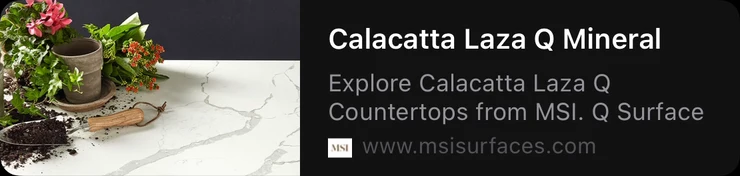
Countertop
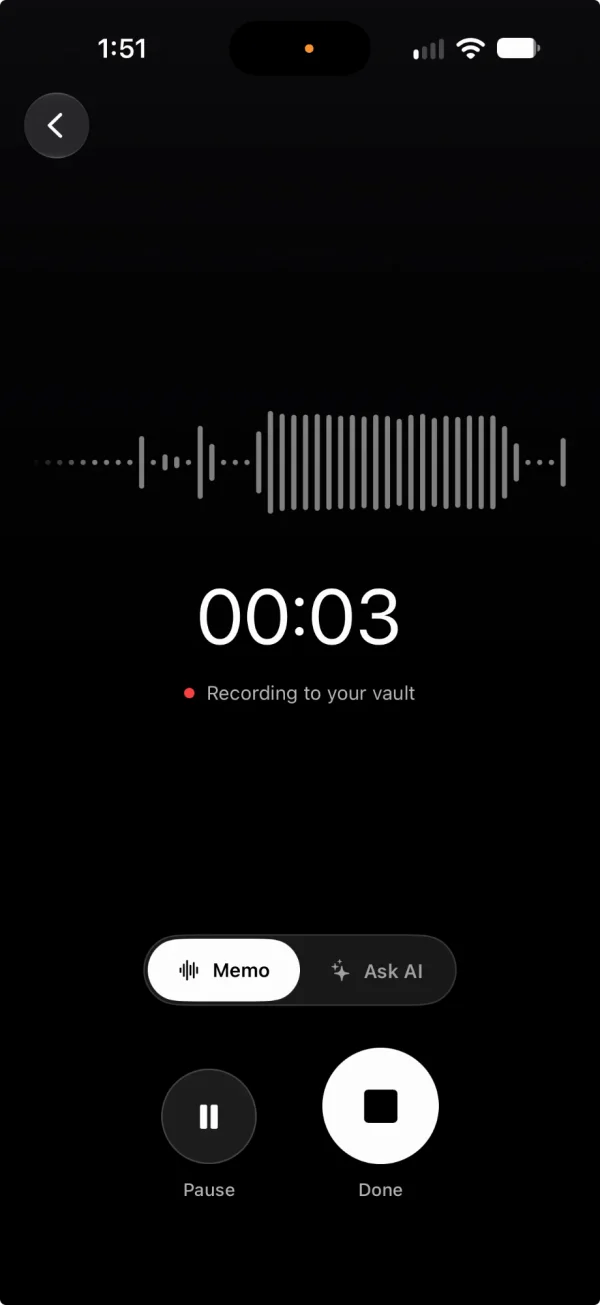
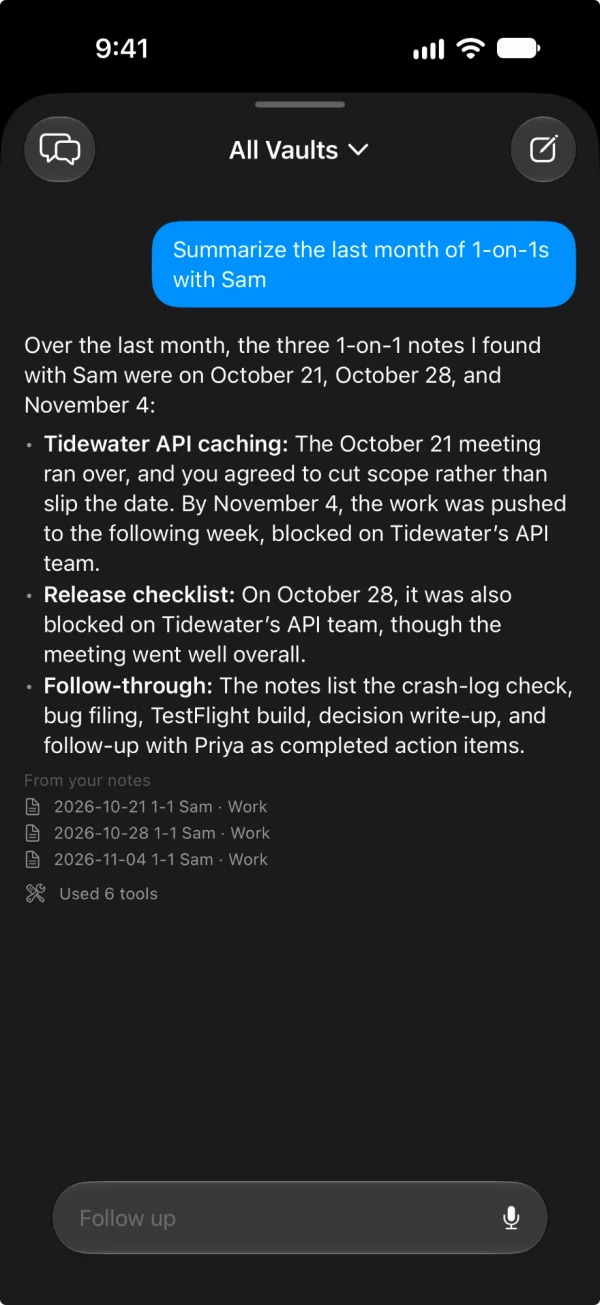
Work across your vault with the power of voice and AI.
Built around your voice.
Sharing, rich links, multiple vaults and more.
Shared notes
Share individual notes with family or friends, end-to-end encrypted.
Trip.md · shared with 2Private web links
A link anyone can open, encrypted with a key only the link holds.
meno.page/…#keyRich links
Paste a link and get a card with its title and picture.
```richlinkReminders in plain text
A date on a checklist item. Your iPhone alerts you.
- [ ] Rent (@2026-12-01, every month)Several vaults at once
One sidebar, one search, and AI across all of them.
Work/ · Personal/Capture with context
Share a link from any app and say why you saved it.
Share ▸ Meno ▸ ● RecordA native editor
Wikilinks, embeds, tables, callouts, math and Mermaid.
[[Q3 plan#Pricing]]Built in
Daily notes, templates, version history and export, built in.
.meno/history/Native on the Mac. Native on the iPhone.
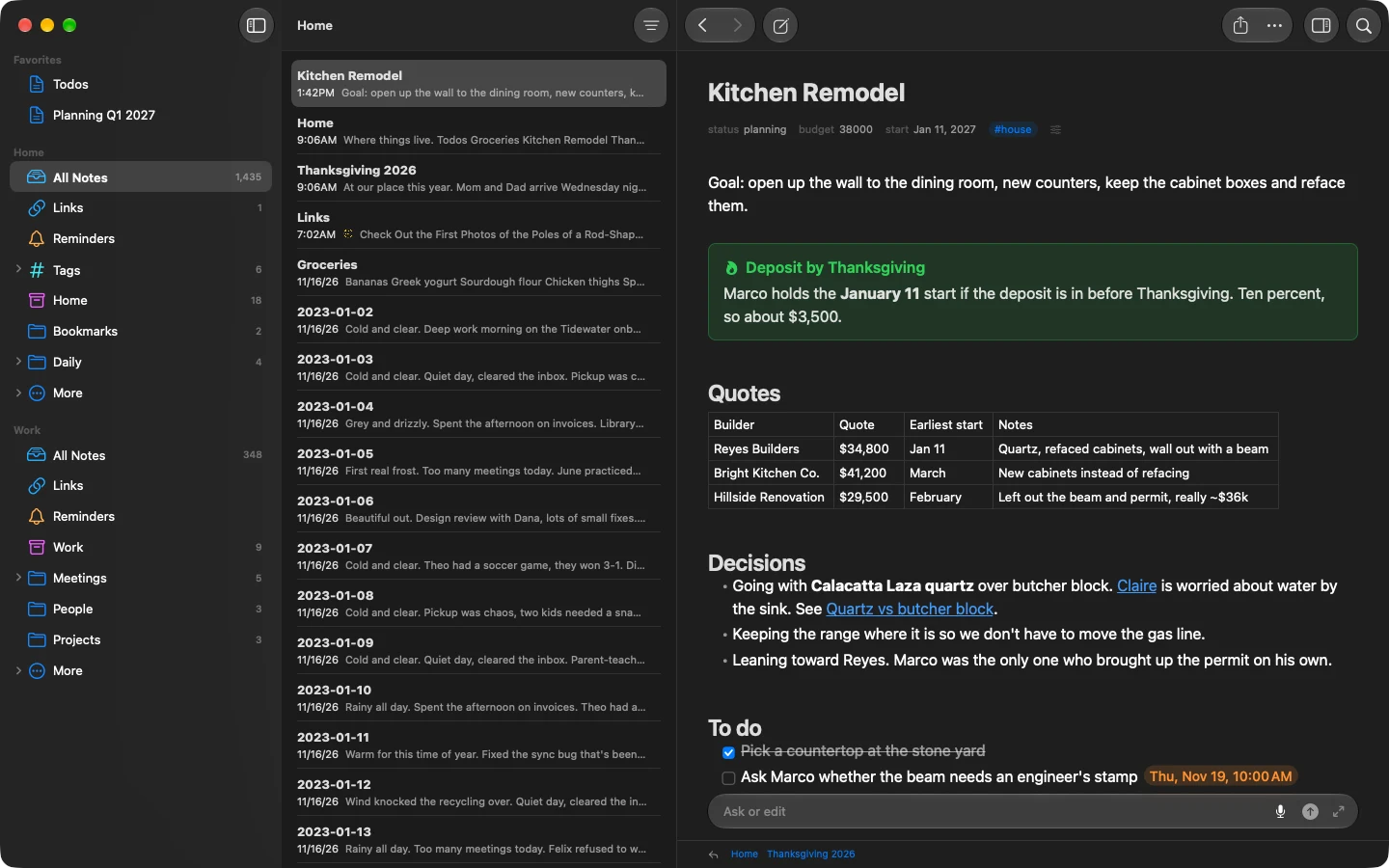
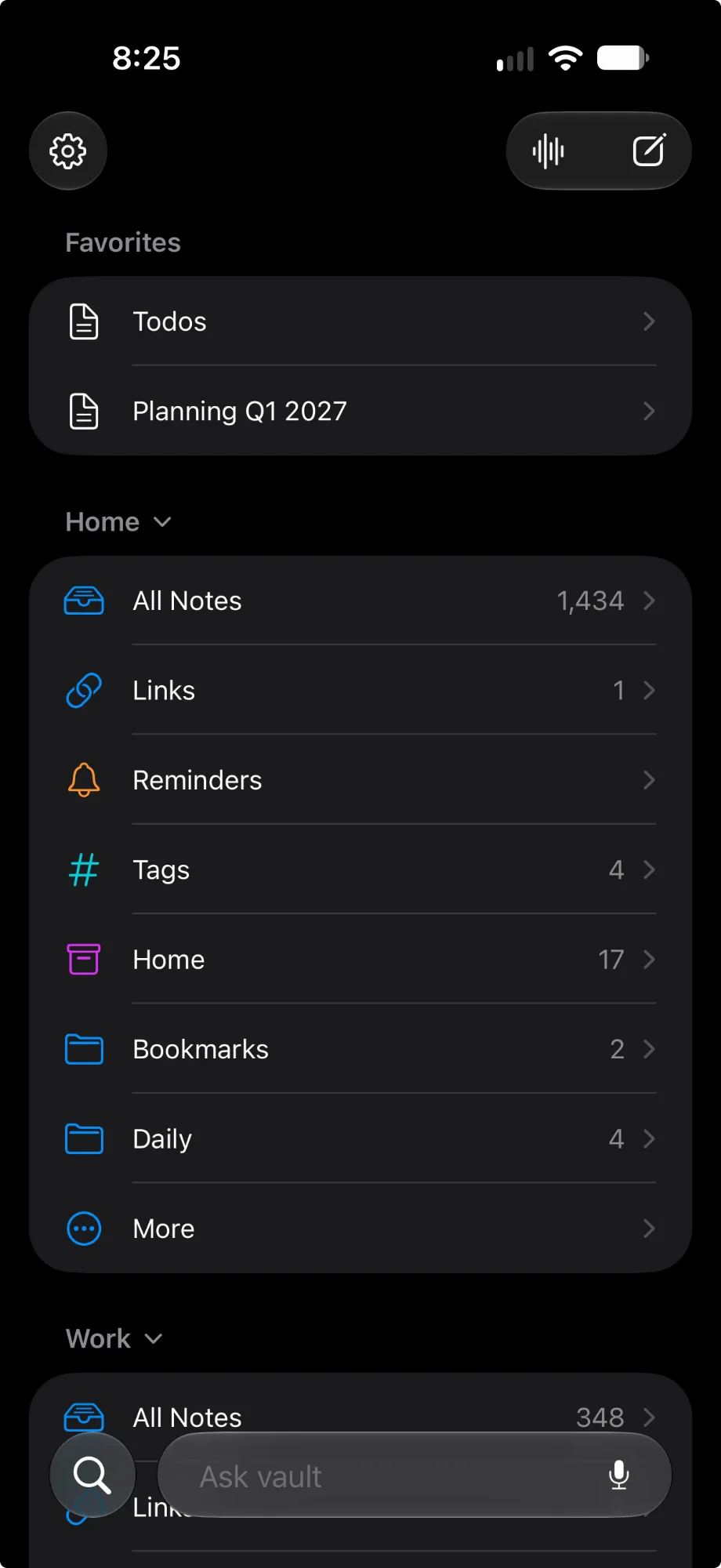
Meno is written in Swift, from the app down to the editor. It's a Mac-assed Mac app: lightning fast, with the controls you already know, and no compromises. The iPhone app opens instantly and nearly any operation can be done with your voice and built-in AI.
Still just your vault.
Every note is a Markdown file on disk, which Claude and Codex read and write well. Open the same vault in Obsidian or any text editor.
Synced by iCloud Drive. No account and no Meno server between your devices.
Works beside Obsidian. Meno keeps its own things in .meno and leaves Obsidian's settings alone.
Open to Claude and Codex. Install Meno's plugin from Settings on the Mac, and they can read and edit your notes. You can restore any change they make.
- .menoMeno’s settings and versions
- .obsidianObsidian’s, left alone
- Chatsyour AI chats
- 2026-11-16T23-56-41Z.jsonl
- Meetings
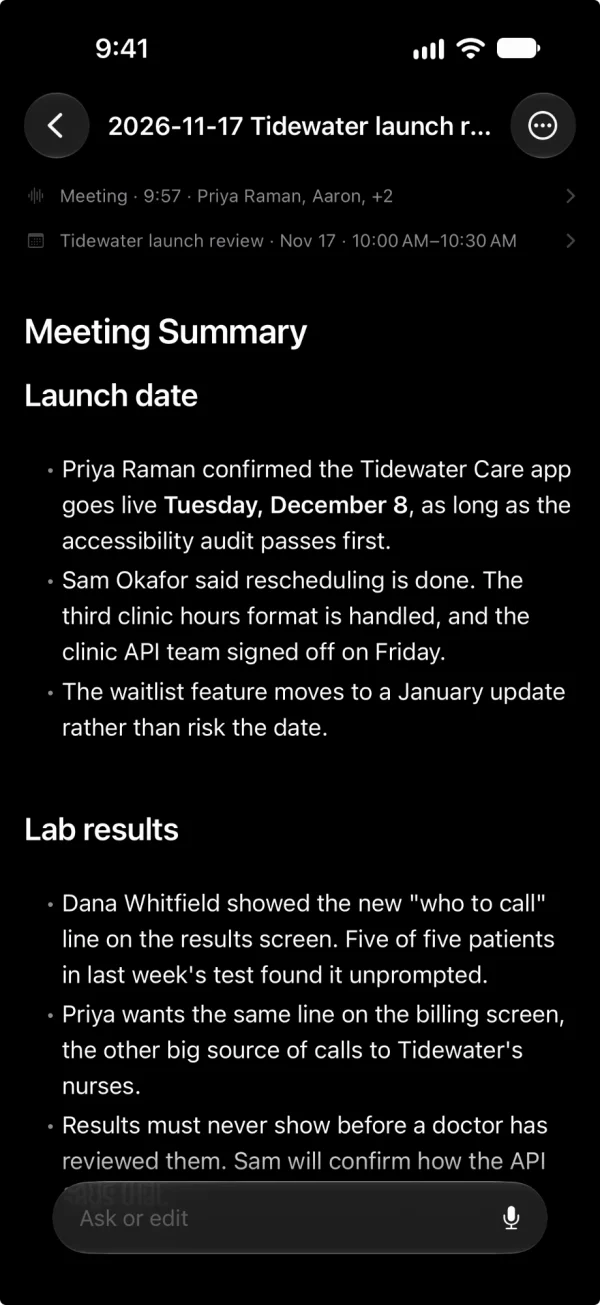
- 2026-11-17 Tidewater launch review.md
- Recordingsaudio and transcripts
- 2026-11-17T18-01-12.418Z
- mic.aac
- system.aac
- transcript.json
- transcript.md
- Planning Q1 2027.md
- Studio.md
Tidewater launch review.md source_recording: Recordings/2026-11-17T18-01-12.418Z
Questions
Does Meno work with my Obsidian vault?
Yes. Meno reads the same Markdown files, links, tags and properties. It keeps its own settings and history in a .meno folder and leaves Obsidian's alone, so you can use both.
What do I need?
A Mac with Apple silicon and macOS 26 or later, or an iPhone with iOS 26 or later. The iPhone beta runs through Apple's TestFlight app.
How do my notes sync?
Through iCloud Drive, like any other files. Meno has no server of its own between your devices. Notes you share with other people go through Meno's server, encrypted so it can't read them.
What happens to my notes when I use AI?
Meno sends text only for an AI feature you use, and only what that request needs. Meno's built-in AI is provided by OpenAI, through Meno's own server, which passes your request along without keeping or logging it. OpenAI doesn't train on it, and keeps it at most 30 days to check for abuse. With your own OpenAI key, requests go straight from your device to OpenAI. Recordings are transcribed on your device, and the audio never leaves it. The details are in the privacy policy.
Can I record meetings?
Yes, on the Mac. Laws differ by place, and many require everyone's consent, so tell people when you're recording.
Are there plugins?
Not today. Daily notes, templates, version history, AI and voice memos are built in, so there's nothing to install or keep updated.
Is there a Windows, Android or web version?
No. Meno is made for Mac and iPhone. Your notes are plain files, so you can open them with other apps anywhere.
Do I need an account?
Not for your notes. Writing, syncing, capture and search never need one. A Meno account is for sharing notes with people, and for the built-in AI on the Mac. On iPhone, the built-in AI works without one.
Try it on your vault.
Install Meno, point it at your vault, and start talking.
macOS 26 and iOS 26